

Reports drafted from your Google Sheets, written up in Docs and Slides
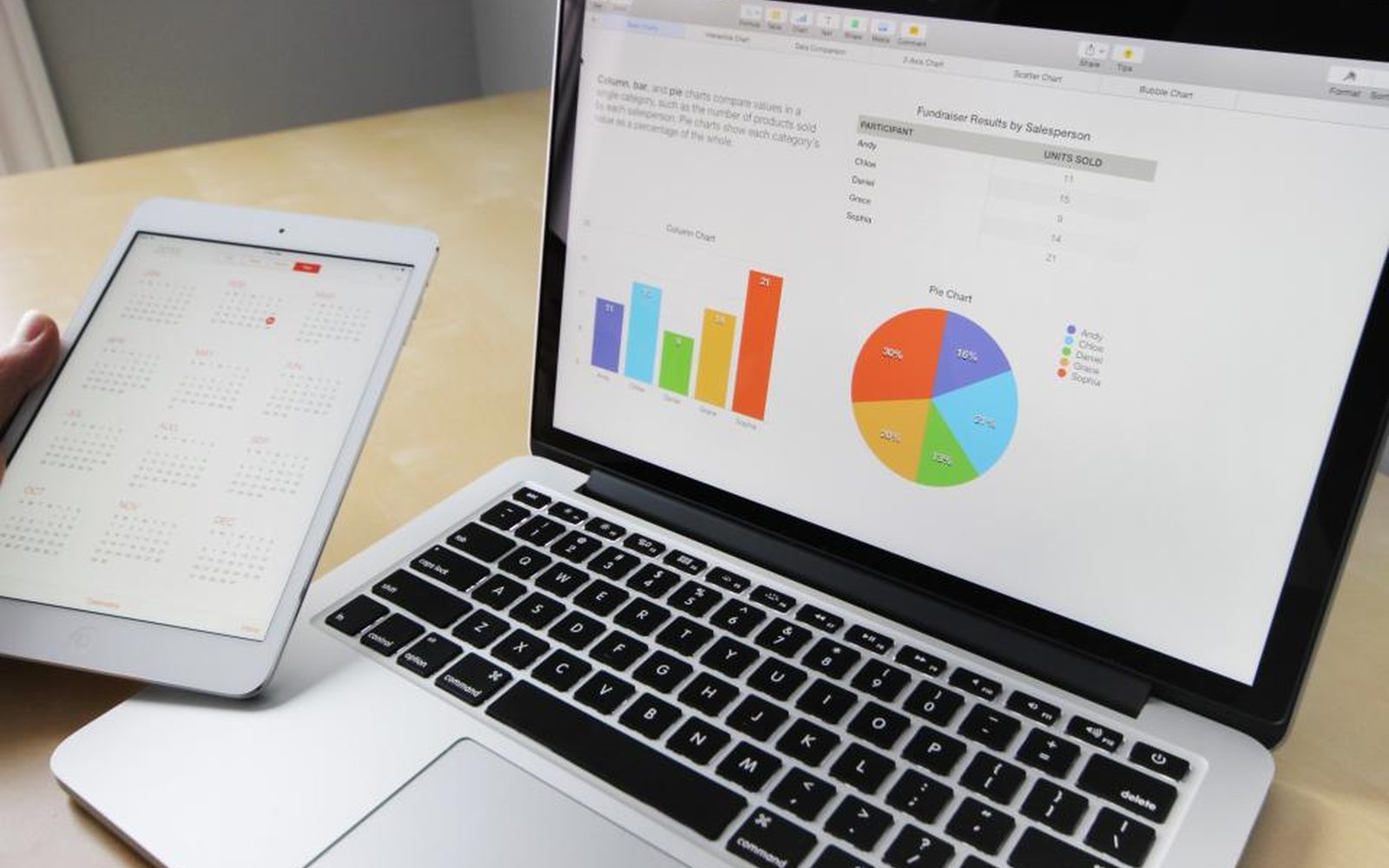
Lots of small teams and not-for-profits keep their numbers in Google Sheets and send reports as Docs or Slides. The numbers are there, but someone still spends days adding them up and writing them out. We set up an AI helper (the industry calls it an agent) that reads your sheets, totals what needs totalling, and drafts the report in your own Doc or Slides template. A person checks every number before it goes out, and the parts that need a human voice stay human.
Get your AI Starter Plan
What we set up for you in Google Workspace
Numbers read from your Sheets
The AI helper reads one or several Google Sheets, even when each one is set out a bit differently, and adds up the totals you report on.
Drafts in your own template
The report lands in your existing Google Docs or Slides template, whether it's a funder's form, a client deck, or a weekly sheet.
A plain written summary
Where a report needs words, the AI helper drafts a short note on what changed, for a person to edit.
Every number checked
A person checks each total against the source sheets before anything is sent. We set it up so that's quick to do.
Human parts kept human
Stories, strategy, and anything personal stay with your team. The AI helper does the counting and the first draft.
The numbers are in your sheets, and the report still takes days
Your team keeps its numbers in Google Sheets. Maybe it’s volunteer logs, sales, or campaign results. When report time comes, someone opens every sheet, adds things up, copies the totals into a Doc or a Slides deck, and writes around them. It’s careful work, so it’s slow, and it usually lands on the person with the least spare time.
Why Google Workspace on its own doesn’t do the job
Google Workspace has everything you need to build a report. Sheets holds the numbers, Docs and Slides hold the template, and on many plans Gemini can help inside each app.
But the job crosses all three. Someone still has to open several sheets, match up columns that don’t quite line up, total them, and move the results into the right spots in the template. Gemini helps the person doing that. It doesn’t do the whole job the same way every time on its own.
How we set it up in Google Workspace
We work with a community food relief charity with two paid staff and about thirty volunteers. Every quarter, the coordinator lost close to a week turning three volunteer spreadsheets into the report the main funder asks for.
We set up an AI helper that reads all three sheets, adds up the meals served and households helped, and fills the totals into the funder’s form in Google Docs. The coordinator checks every number before the report goes out. The first draft now takes about a day. We also tried having the AI helper write the stories about the people the charity helps, but staff wanted those in their own words, so it handles the numbers only. One volunteer site still logs meals on paper, so someone types those totals in first. Read the grant report story.

The same setup works for client decks. We work with a four-person social media agency whose monthly client reports now get pulled into Google Slides with the commentary drafted, which cut two full days a month to half a day. Read the social media agency story.
Before each build, we walk through one real report with you, step by step. That’s mapping how you work (the industry calls it process mapping). It shows which parts follow a pattern and which need a person.
When Google Workspace reports are the right call, and when they aren’t
They pay off when the same report gets built from the same sheets on a regular schedule, and it takes someone a day or more each time.
If the report changes shape every time, or it’s mostly writing with a few numbers, the saving is smaller. And if your numbers are spread across many tools, start with one home for your data (the industry calls it a data lake), so the AI helper reads from one place.
Where to go next
See the wider reports that write themselves service, or read about Google Workspace. For a plan built around your Google apps, see your AI plan for Google Workspace. See how we work with not-for-profits and marketing and creative agencies. When you’re ready, get your AI Starter Plan.
Read about our Reports that write themselves service, and how we use Google Workspace.
Small teams we work with

How a community food relief charity cut its quarterly grant report from a week to about a day

How a four-person fashion boutique replaced its Sunday stocktake with a report from Square

How a four-person social media agency cut 18 monthly client reports from two days to half a day
Common questions
Can't Gemini in Sheets do this?
Our sheets are messy. Does that matter?
Will the AI helper send the report?
Can it write the stories in our report too?
What does it cost?
Start your next report from a finished draft
Get your AI Starter Plan. Tell the AI about your organisation, your goals, and where your week goes, and get a plan for where to start.
Get your AI Starter Plan